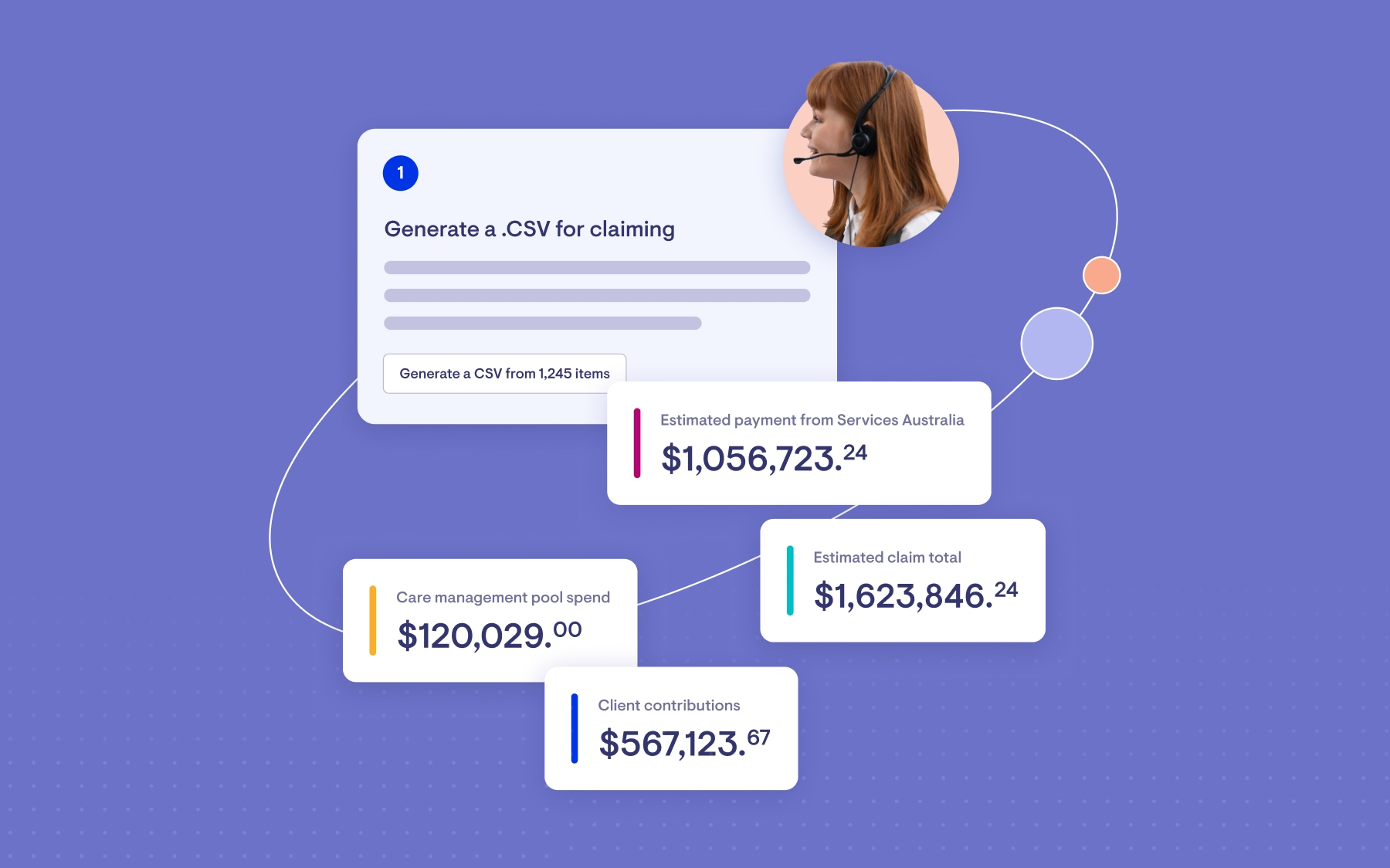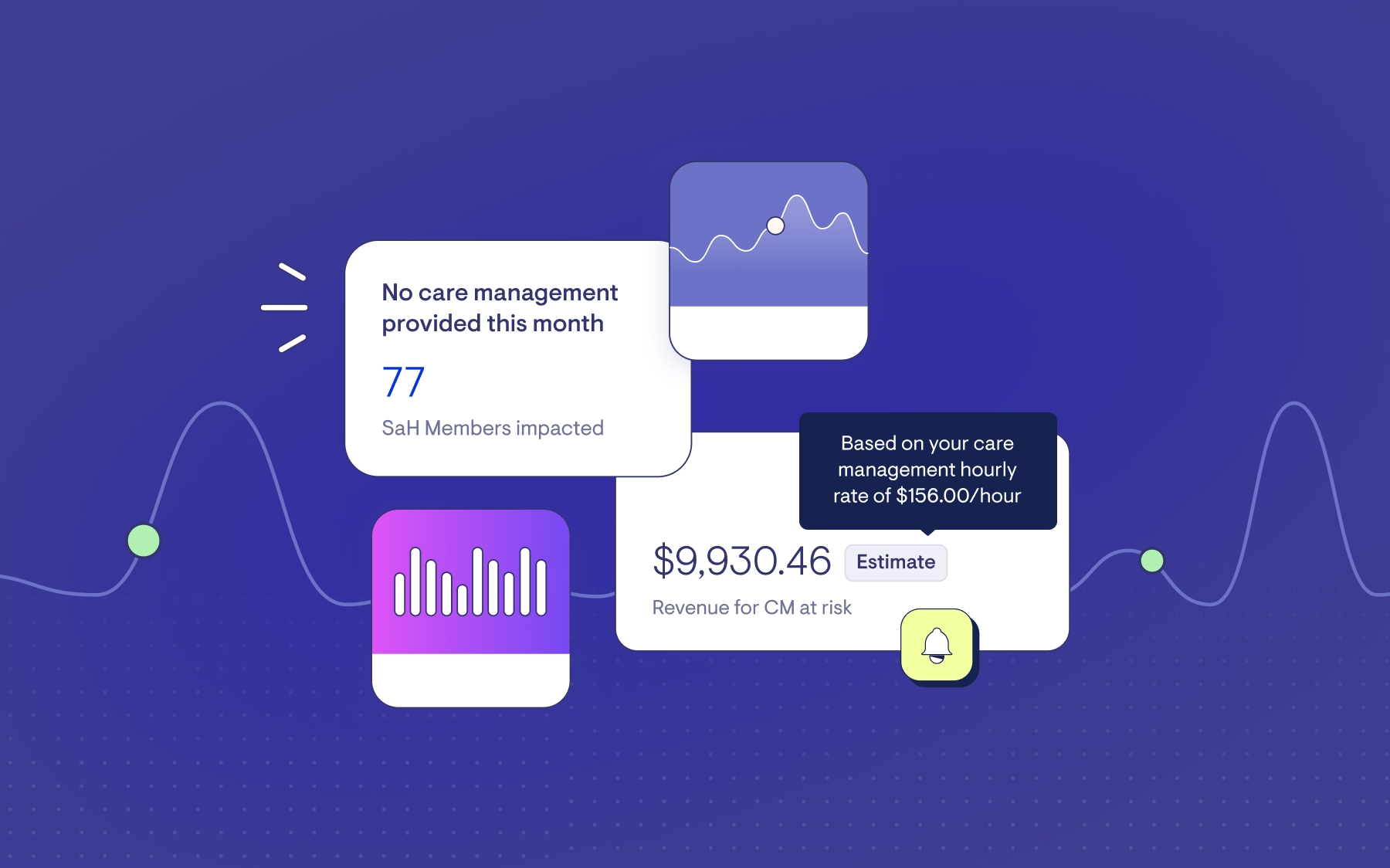
A new budget period starts October 1. Under Support at Home, providers earn margin on utilisation, and the old care management fee no longer carries the load. With average blended provider margins reportedly sitting at 6 to 8%, the difference between a well-tracked budget and a loosely tracked one shows up directly on the bottom line.
This release is built around closing that gap, starting with budgets and statements.
Budgets: planning and live tracking, finally separate
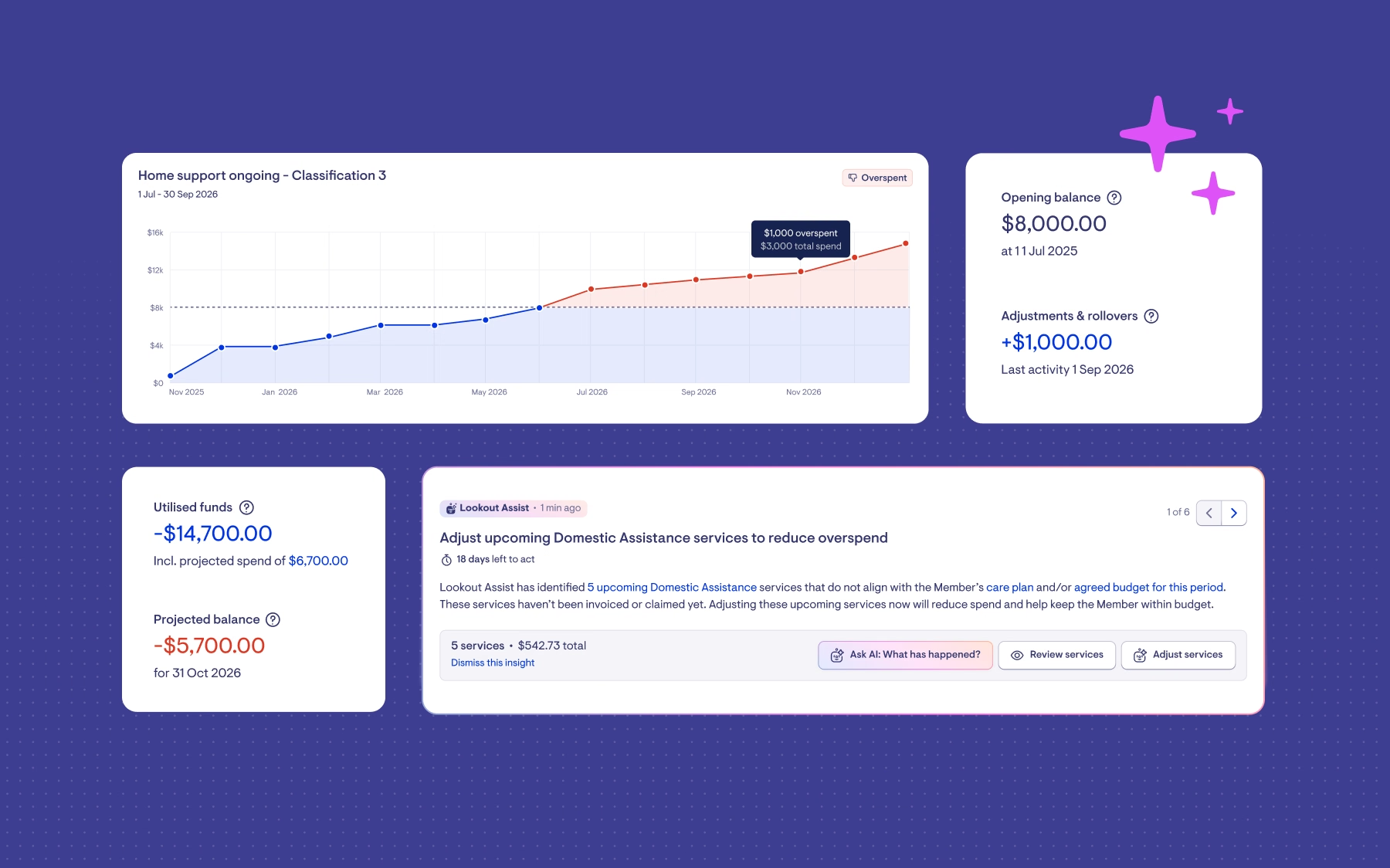
Budget planning and live tracking used to share one screen, which made it hard to tell the plan apart from what was actually happening. They now sit in two tabs. Live tracking also gets a new accumulation chart showing spend over time, so you can pinpoint the moment a member crossed into overspend.
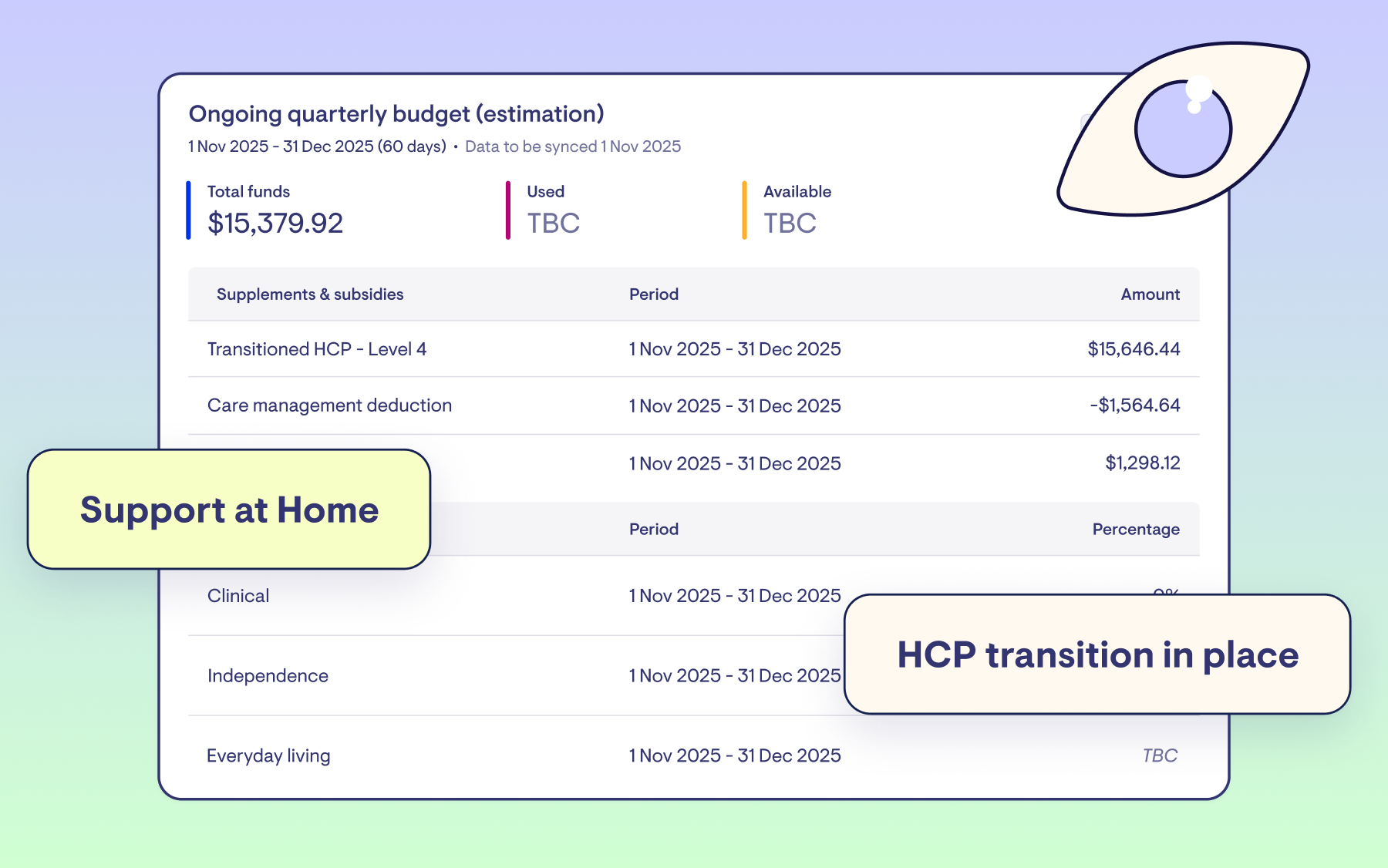
Opening balances lock the moment a funding source activates. Anything Services Australia adjusts afterwards appears as its own line, keeping the history traceable. Restorative care funding gets its own panel, separate from ongoing funding, and where the two overlap, Lookout will ask which funding source a service should draw from before it's booked.
Building a budget from the roster is more reliable too. It now pulls through variances like weekend rates properly, and you can generate budgets in bulk, including for a future period. Warnings appear if a budget looks empty, over-allocated or headed for underspend.
Statements you can trust
Once a statement is issued, it's locked. If Services Australia posts a correction afterwards, it appears on the next statement, and the one you've already sent stays exactly as it was. Draft statements carry a clear Preview watermark, and every previously issued version sits in a small history menu, giving you a record of exactly what a member was sent and when.
Every statement now ends with a client contribution summary: previous balance, payments received, closing balance and contribution rate. It's on by default (you can opt out in Finance settings) and is designed to mirror what's already in your own finance system.
Also improved this release
Two other areas picked up meaningful upgrades.
Member contacts, extended for the Aged Care Act 2024
Two new contact roles match how the Aged Care Act 2024 describes member relationships: Registered supporter and Appointed decision maker.
Appointed decision maker is new territory. It captures formal legal authority, such as power of attorney or guardianship-style arrangements, with an expiry date and document upload. Registered supporter reflects an official My Aged Care registration, a more specific status than the old "authorised representative" label. For that reason, we aren't reclassifying anyone automatically. Existing contacts keep full access exactly as they are, and you assign the new roles whenever they apply.
Sharer and billing recipient are also getting plainer labels: "Can view visits" and "Receive statements". All contacts now live in one panel (previously four), with inline create and edit. The cap of one registered supporter or one emergency contact per member is gone too, so you can add as many as the member has.
Tickets built for busy teams
Snooze personally and globally at once, with no cap on duration. Sort comments by newest first. Bulk assign, unassign or reassign straight from the ticket index, which helps the moment someone leaves the team and their open tickets need a new owner.
Premium extension: Funding Analyser
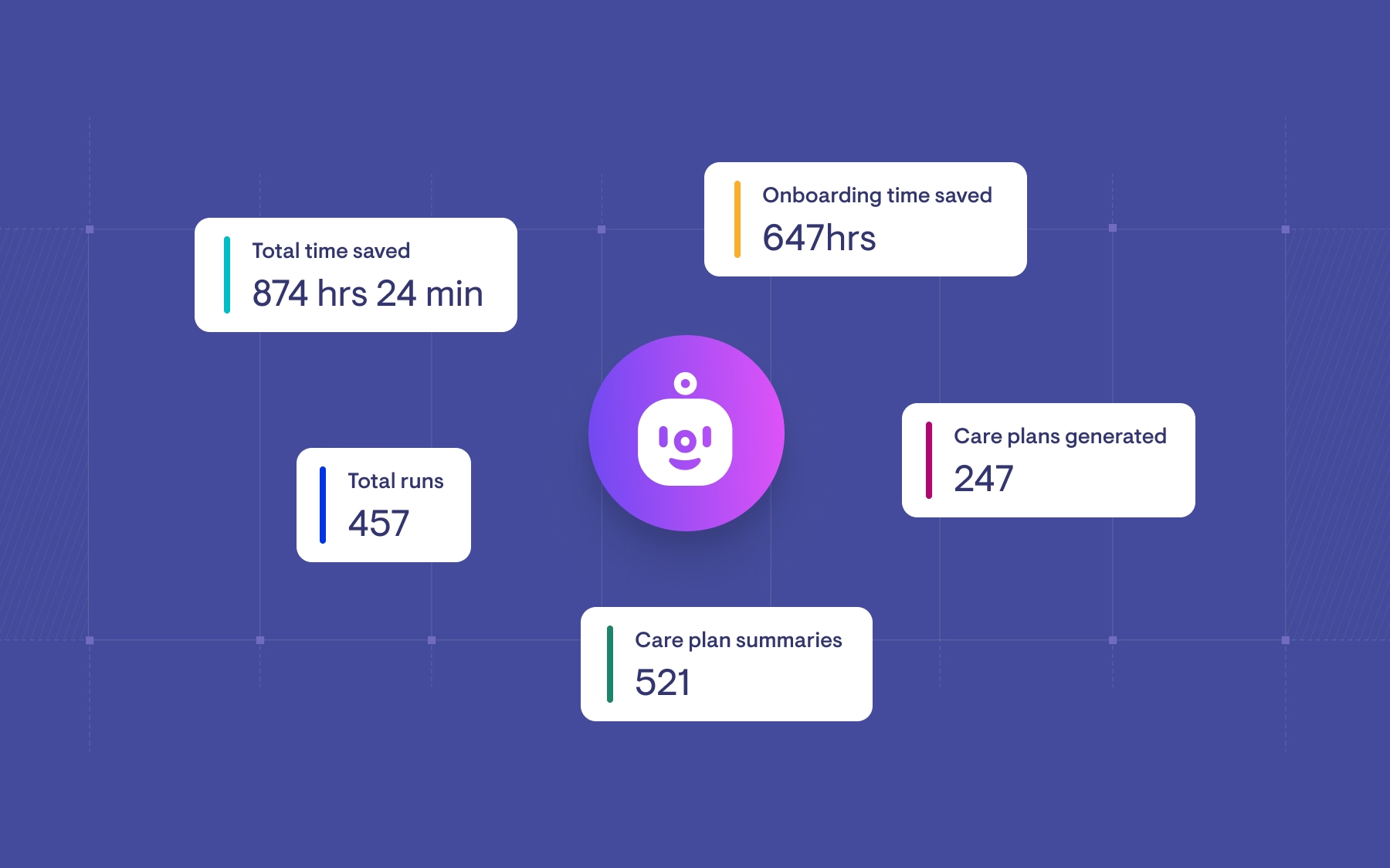
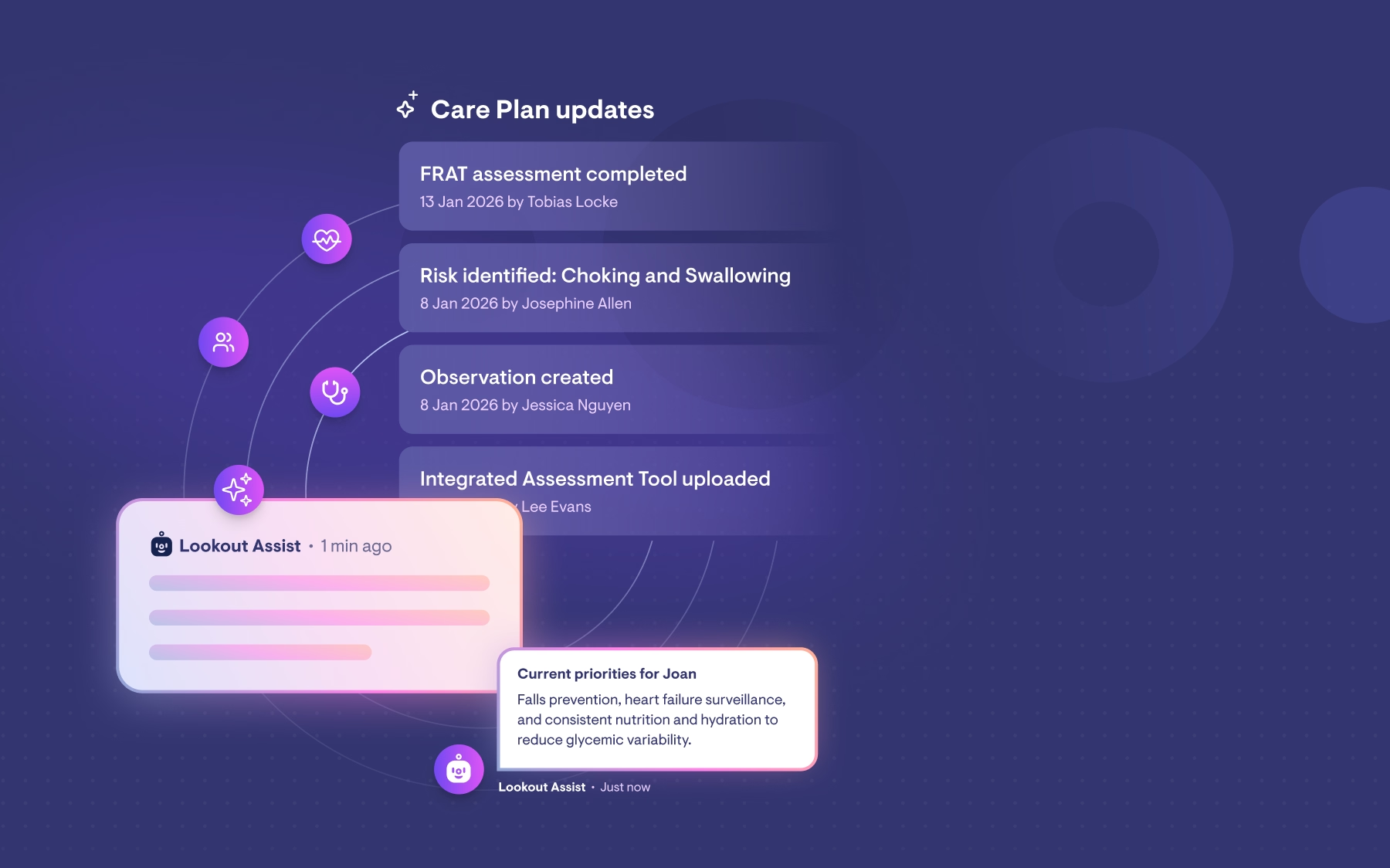
For Lookout Assist customers on the new MSA, this release adds the Funding Analyser. Run it on demand against any funding source and it reads that member's funding sources, budgets and tracked spend together, then explains what's happening and what could be done about it.
It surfaces the likely drivers behind an overspend or underspend, such as a mid-quarter price rise, funding exhausted in a prior period, or an expense sitting against the wrong funding pathway. It then pre-fills a suggested fix, like changing the funding source, excluding from claiming or cancelling a service, for you to review and confirm.
The Funding Analyser never acts on its own, and anything with member-facing impact still calls for a proper care conversation first. Where a suggestion needs more than a quick internal fix, you can route it straight into a new funding assessment ticket.
You're in control
As with every Lookout release, nothing switches on by itself.
The update becomes available October 1, and your environment changes when you deploy it through Release Hub.
Where to go next
Join one of our live webinars on 13, 15, 22 or 29 October to see the changes in action and ask questions. To register, log in to Lookout and head to Live Learning in Lookout Academy.
For questions in the meantime, reach out to your Customer Success contact.
New to Lookout?
Talk to our team about how Lookout supports providers under Support at Home: Contact